
Microsoft 365 has become one of the world’s most widely used business productivity platforms. Millions of organizations rely on Outlook, Exchange Online, OneDrive, SharePoint, Microsoft Teams, and Office applications to communicate, collaborate, and manage critical business information.
Because Microsoft 365 is cloud-based, many businesses believe their data is automatically backed up and fully protected.
Unfortunately, this is one of the biggest misconceptions in cloud computing.
While Microsoft provides a highly available and secure cloud platform, it does not guarantee complete protection against every type of data loss. Organizations remain responsible for safeguarding their own business information against accidental deletion, ransomware attacks, insider threats, data corruption, and long-term retention requirements.
Losing important emails, contracts, customer documents, project files, or SharePoint data can interrupt operations, create compliance challenges, and result in significant financial losses.
This is why businesses increasingly invest in Microsoft 365 Backup solutions.
A dedicated backup solution creates secure, recoverable copies of Microsoft 365 data, allowing organizations to restore files, emails, Teams conversations, and SharePoint content quickly whenever unexpected incidents occur.
In this guide, you’ll learn how Microsoft 365 Backup works, why it’s necessary, what data should be protected, and how it strengthens your organization’s business continuity and disaster recovery strategy.
What Is Microsoft 365 Backup?
Microsoft 365 Backup is a dedicated data protection solution that creates secure backup copies of information stored within Microsoft 365 services.
Unlike Microsoft’s native availability features, backup solutions allow organizations to restore deleted, corrupted, or compromised data whenever necessary.
A Microsoft 365 Backup solution typically protects:
- Exchange Online emails
- Outlook mailboxes
- OneDrive files
- SharePoint document libraries
- Microsoft Teams conversations
- Teams files
- Microsoft 365 Groups
- Calendars
- Contacts
- Attachments
These backups are stored securely and can be restored even after data has been permanently deleted from Microsoft 365.
Why Businesses Think Microsoft Already Backs Up Everything
One of the most common myths about cloud services is:
“Our files are in Microsoft 365, so Microsoft already backs everything up.”
While Microsoft provides excellent infrastructure reliability, availability, and redundancy, this is not the same as having a dedicated backup solution.
Microsoft focuses on:
- Keeping the Microsoft 365 platform available
- Maintaining global infrastructure
- Protecting physical data centers
- Replicating data across regions
- Ensuring service uptime
Businesses, however, remain responsible for protecting the content stored within their Microsoft 365 environment.
If users accidentally delete important files, overwrite documents, or become victims of ransomware, Microsoft may not be able to restore data according to your organization’s recovery requirements.
This is why independent backup solutions remain essential.
Understanding Microsoft’s Shared Responsibility Model
Cloud security operates under a Shared Responsibility Model.
This means that Microsoft and the customer each have different responsibilities.
Microsoft Is Responsible For
- Cloud infrastructure
- Physical data centers
- Hardware maintenance
- Platform availability
- Network security
- Service uptime
Your Business Is Responsible For
- Business data
- User accounts
- Identity security
- Backup strategy
- Data retention
- Compliance requirements
- Access management
- Recovery planning
Simply put:
Microsoft protects the platform.
You protect your business data.
Understanding this distinction is essential when building a secure cloud strategy.
Common Causes of Microsoft 365 Data Loss
Many organizations only think about backups after losing important information.
However, data loss can occur in several ways.
Accidental Deletion
Employees frequently delete emails, files, or folders by mistake.
If retention periods expire, recovering permanently deleted data becomes difficult without a backup.
Ransomware Attacks
Ransomware can encrypt synchronized OneDrive files, SharePoint documents, and business data.
Without clean backup copies, organizations may face lengthy recovery processes and operational disruption.
Insider Threats
Current or former employees with excessive permissions may intentionally or accidentally delete critical business information.
Backups provide an additional layer of protection against insider incidents.
Malicious Attacks
Cybercriminals who compromise Microsoft 365 accounts may:
- Delete emails
- Remove documents
- Modify files
- Disable accounts
- Damage business data
Independent backups allow organizations to recover from these incidents quickly.
Synchronization Errors
Cloud synchronization tools occasionally overwrite or remove files because of user mistakes, software conflicts, or corrupted local devices.
A dedicated backup ensures previous file versions remain recoverable.
Compliance Requirements
Many industries require organizations to retain business records for several years.
Native retention policies may not satisfy every legal or regulatory requirement.
Backup solutions help organizations meet long-term retention obligations.
What Microsoft 365 Data Should Be Backed Up?
A comprehensive backup strategy should include every business-critical workload.
Exchange Online
Protect:
- Emails
- Attachments
- Mailboxes
- Calendars
- Contacts
- Tasks
Email remains one of the most valuable business communication assets.
OneDrive for Business
Employees often store:
- Contracts
- Reports
- Financial spreadsheets
- Presentations
- Client documents
Backing up OneDrive prevents accidental or malicious data loss.
SharePoint Online
SharePoint frequently contains:
- Department documents
- Company policies
- HR files
- Internal knowledge bases
- Project documentation
Losing SharePoint data can significantly impact business operations.
Microsoft Teams
Modern businesses increasingly rely on Teams for collaboration.
Backups should include:
- Team conversations
- Shared files
- Meeting content
- Channels
- Team settings
This ensures important collaboration data remains recoverable.
Microsoft 365 Groups
Groups connect users, permissions, shared mailboxes, and collaborative resources.
Protecting Groups helps preserve business continuity across Microsoft 365 services.
Why Native Retention Isn’t the Same as Backup
Microsoft provides several native features such as retention policies, recycle bins, and version history.
While useful, these features are not a complete replacement for dedicated backups.
Native retention has limitations, including:
- Limited recovery windows
- Retention policy configuration errors
- Permanent deletion after expiry
- Reduced flexibility for point-in-time restores
- Limited protection against complex ransomware incidents
A dedicated Microsoft 365 Backup solution gives organizations greater control over recovery, retention, and long-term data protection.
Benefits of Microsoft 365 Backup
Organizations implementing Microsoft 365 Backup gain several important advantages:
- Faster recovery after accidental deletion
- Protection against ransomware attacks
- Long-term data retention
- Improved compliance
- Better business continuity
- Reduced downtime
- Centralized backup management
- Secure cloud storage
- Flexible recovery options
- Greater confidence during cyber incidents
These benefits make Microsoft 365 Backup an essential component of a modern cloud security strategy.
Microsoft 365 Backup vs Native Microsoft Protection
One of the most common questions businesses ask is:
“If Microsoft already stores my data in the cloud, why do I need another backup solution?”
The answer lies in understanding the difference between platform availability and data protection.
Microsoft is responsible for ensuring that Microsoft 365 services remain available and operational. However, businesses remain responsible for protecting their own data and ensuring it can be recovered when needed.
The table below highlights the key differences.
| Feature | Native Microsoft Protection | Dedicated Microsoft 365 Backup |
|---|---|---|
| Service Availability | ✔ | ✔ |
| Data Backup | Limited | ✔ |
| Long-Term Retention | Limited | ✔ |
| Point-in-Time Recovery | Limited | ✔ |
| Ransomware Recovery | Limited | ✔ |
| Granular File Recovery | Partial | ✔ |
| Independent Backup Copy | ✘ | ✔ |
| Business Continuity | Limited | ✔ |
A dedicated backup solution gives organizations far greater control over how data is protected, retained, and restored.
Key Benefits of Microsoft 365 Backup
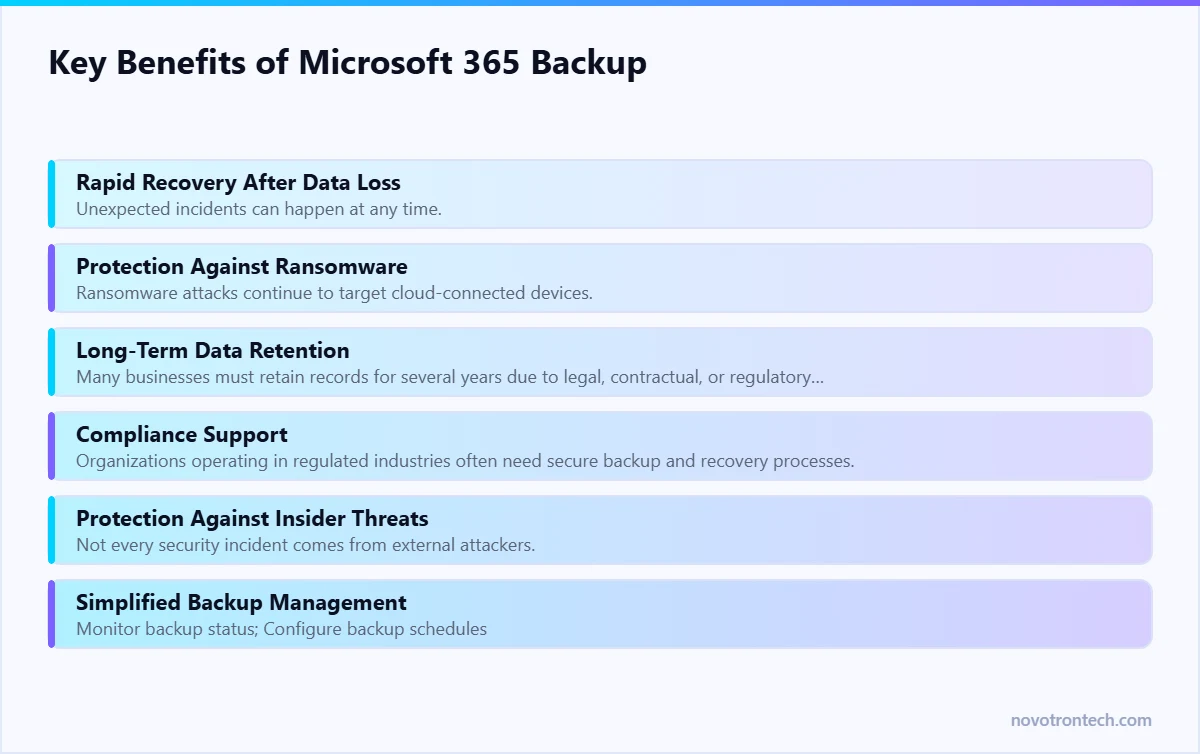
Rapid Recovery After Data Loss
Unexpected incidents can happen at any time. Whether an employee accidentally deletes an important email or ransomware encrypts shared files, organizations need the ability to restore data quickly.
Microsoft 365 Backup minimizes downtime by enabling fast recovery of mailboxes, documents, Teams data, and SharePoint content.
Protection Against Ransomware
Ransomware attacks continue to target cloud-connected devices.
If encrypted files synchronize with OneDrive or SharePoint, clean backup copies become essential for restoring business operations.
A dedicated Microsoft 365 Backup solution allows organizations to recover unaffected versions without depending solely on Microsoft retention features.
Long-Term Data Retention
Many businesses must retain records for several years due to legal, contractual, or regulatory requirements.
Dedicated backup solutions provide flexible retention policies that go beyond standard recycle bins or short-term recovery windows.
Compliance Support
Organizations operating in regulated industries often need secure backup and recovery processes.
Microsoft 365 Backup helps support compliance requirements by maintaining recoverable copies of important business information and simplifying audit readiness.
Protection Against Insider Threats
Not every security incident comes from external attackers.
Employees may accidentally overwrite documents, delete shared folders, or intentionally remove sensitive information.
Independent backups provide an additional layer of protection against both accidental and intentional data loss.
Simplified Backup Management
Enterprise backup platforms offer centralized dashboards where administrators can:
- Monitor backup status
- Configure backup schedules
- Review storage usage
- Restore data
- Receive alerts
- Generate reports
This simplifies management across multiple Microsoft 365 users and locations.
Common Microsoft 365 Data Loss Scenarios
Many organizations underestimate how frequently data loss occurs in cloud environments.
Here are some real-world situations where backups become essential.
Employee Accidentally Deletes Important Files
A user permanently deletes a client proposal stored in OneDrive.
Without a dedicated backup, recovering the original file may not be possible after retention periods expire.
Former Employee Removes Business Data
An employee leaves the organization and deletes emails, Teams conversations, or project documents before their account is disabled.
A backup solution ensures critical information can still be restored.
Ransomware Encrypts Shared Files
A compromised endpoint encrypts synchronized OneDrive or SharePoint data.
Clean backup copies allow businesses to restore unaffected versions quickly and reduce downtime.
Misconfigured Retention Policies
Improper retention settings may result in important emails or documents being permanently removed.
Dedicated backups provide an independent recovery option.
Human Error During Migration
Cloud migrations or tenant consolidations occasionally result in missing or overwritten data.
Backup copies provide a safety net during major IT projects.
Best Practices for Microsoft 365 Backup
Implementing a backup solution is only the first step. Organizations should follow proven best practices to maximize protection.
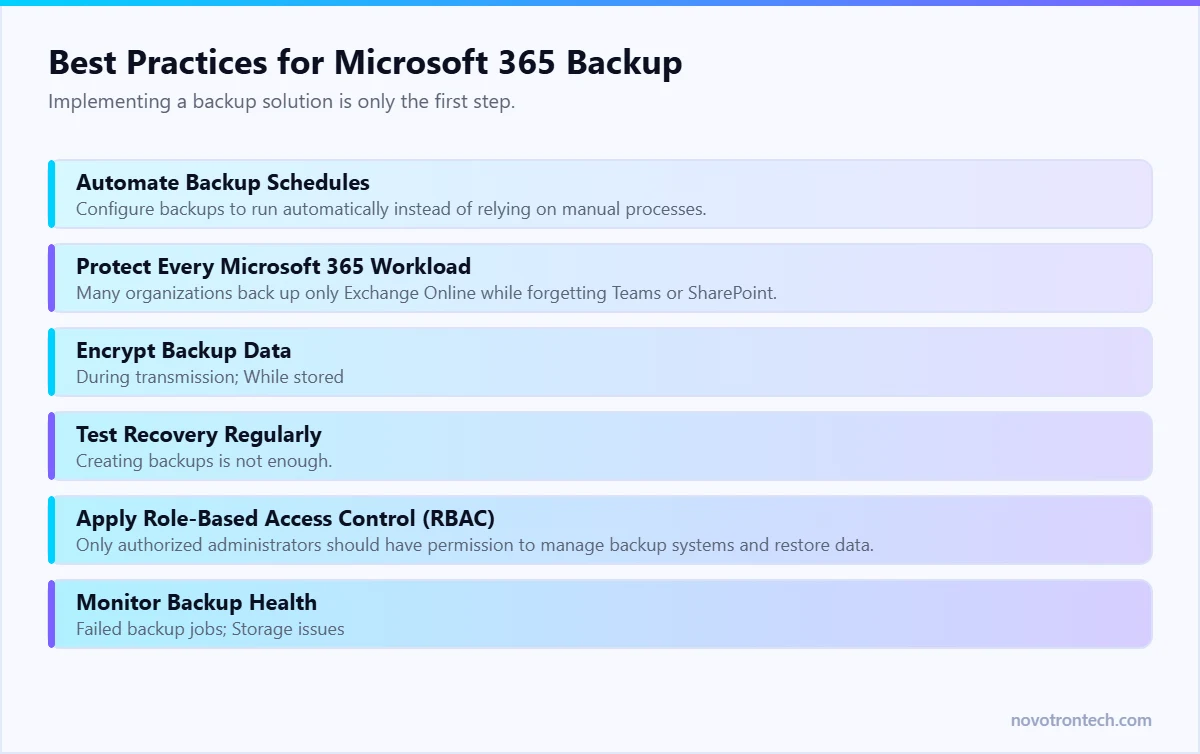
Automate Backup Schedules
Configure backups to run automatically instead of relying on manual processes.
Automation ensures consistent protection and reduces the risk of missed backups.
Protect Every Microsoft 365 Workload
Many organizations back up only Exchange Online while forgetting Teams or SharePoint.
A comprehensive backup strategy should include:
- Exchange Online
- Outlook Mailboxes
- OneDrive
- SharePoint Online
- Microsoft Teams
- Microsoft 365 Groups
Encrypt Backup Data
Business information should remain encrypted:
- During transmission
- While stored
- During recovery
Encryption reduces the risk of unauthorized access to sensitive information.
Test Recovery Regularly
Creating backups is not enough.
Organizations should periodically verify that files, emails, and applications can be restored successfully.
Recovery testing confirms backup integrity and improves disaster recovery readiness.
Apply Role-Based Access Control (RBAC)
Only authorized administrators should have permission to manage backup systems and restore data.
Strong access controls reduce insider risks and improve overall security.
Monitor Backup Health
Regular monitoring helps identify:
- Failed backup jobs
- Storage issues
- Configuration problems
- Security alerts
Early detection prevents backup failures from becoming larger business problems.
Backup and Disaster Recovery: Working Together
Disaster Recovery are closely connected but serve different purposes.
Backup ensures that business data is safely copied and available for restoration.
Disaster Recovery focuses on restoring systems, applications, and business operations after a disruption.
An effective recovery strategy combines both.
For example, after a ransomware attack, a Disaster Recovery plan uses clean Microsoft 365 backup copies to restore email services, collaboration tools, and business documents, allowing employees to resume work with minimal disruption.
Without reliable backups, even the best Disaster Recovery plan cannot fully recover critical business information.
Why Businesses Choose Novotron for Microsoft 365 Backup
Modern businesses require more than basic file recovery. They need a comprehensive data protection strategy that secures cloud workloads, supports compliance, and minimizes downtime.
Novotron delivers enterprise-grade Microsoft 365 Backup solutions designed to protect critical business data while simplifying backup management.
Our capabilities include:
- Microsoft 365 Backup Solutions
- Exchange Online Backup
- Outlook Mailbox Backup
- OneDrive Backup
- SharePoint Backup
- Microsoft Teams Backup
- Cloud Backup Solutions
- Backup as a Service (BaaS)
- Disaster Recovery Planning
- Business Continuity Solutions
- Managed IT Services
- Cloud Infrastructure Management
- Cyber Security Services
By combining cloud backup, disaster recovery expertise, and proactive monitoring, Novotron helps businesses protect their Microsoft 365 environment against accidental deletion, ransomware, insider threats, and long-term data loss.
Conclusion
Microsoft 365 has transformed the way businesses communicate, collaborate, and manage information. From Outlook emails and OneDrive documents to SharePoint libraries and Microsoft Teams conversations, organizations rely on Microsoft 365 every day to keep operations running smoothly.
However, one of the biggest misconceptions is that storing data in the cloud automatically means it is fully backed up and protected. While Microsoft provides a secure and highly available platform, businesses remain responsible for protecting their own data from accidental deletion, ransomware attacks, insider threats, retention policy limitations, and compliance requirements.
A dedicated Microsoft 365 Backup solution fills this gap by creating secure, independent copies of business data that can be restored quickly whenever incidents occur. This reduces downtime, strengthens business continuity, and gives organizations greater control over their data recovery process.
As cyber threats continue to evolve, every organization should adopt a layered data protection strategy that combines Microsoft 365 Backup, Backup as a Service (BaaS), Disaster Recovery Planning, Managed IT Services, Multi-Factor Authentication (MFA), Identity and Access Management (IAM), Next-Generation Firewalls (NGFW), Endpoint Security, SIEM, and SOC monitoring.
By investing in proactive backup and recovery solutions today, businesses can avoid costly disruptions tomorrow.
Partnering with Novotron ensures your Microsoft 365 environment remains secure, resilient, and always ready to recover from unexpected incidents.
Frequently Asked Questions (FAQs)
Does Microsoft automatically back up Microsoft 365 data?
Microsoft provides platform availability and redundancy, but businesses are responsible for protecting their own data. A dedicated Microsoft 365 Backup solution offers independent backups and more flexible recovery options.
Why do businesses need Microsoft 365 Backup?
Businesses need Microsoft 365 Backup to protect against accidental deletion, ransomware attacks, insider threats, data corruption, and long-term retention requirements while ensuring fast recovery and business continuity.
What Microsoft 365 services should be backed up?
A complete backup strategy should include:
- Exchange Online
- Outlook Mailboxes
- OneDrive for Business
- SharePoint Online
- Microsoft Teams
- Microsoft 365 Groups
- Calendars
- Contacts
- Shared Files
Can Microsoft 365 Backup help recover from ransomware?
Yes. Dedicated backups allow organizations to restore clean copies of emails, documents, and collaboration data after ransomware attacks, reducing downtime and improving recovery.
Is Microsoft 365 Backup suitable for small businesses?
Absolutely. Small and medium-sized businesses are increasingly targeted by cybercriminals. Microsoft 365 Backup provides affordable protection and helps minimize the impact of data loss.
How often should Microsoft 365 data be backed up?
Backup frequency depends on business needs. Critical environments often use multiple backups per day or continuous protection to minimize potential data loss.
What is the difference between Microsoft retention policies and Microsoft 365 Backup?
Retention policies help preserve data for a specific period but are not a complete backup solution. Dedicated backups provide independent copies, point-in-time recovery, flexible retention, and greater protection against accidental deletion or ransomware.
Related: the complete cloud migration guide · our cloud solutions · managed IT services in Noida.
Backup answers deletion and ransomware. It does not stop a copy leaving the business, which is a separate control. Our guide to data loss prevention in India covers that side, including what it costs and how a rollout should be phased.