
Businesses today are under increasing pressure to improve agility, reduce infrastructure costs, strengthen security, and support remote and hybrid work environments.
Traditional on-premises infrastructure often struggles to meet these evolving business requirements.
As a result, organizations across industries are moving their applications, data, and workloads to the cloud.
However, cloud adoption is not simply about transferring data from one environment to another. A successful migration requires careful planning, technical expertise, security considerations, and a clear business strategy.
This is where cloud migration services play a critical role.
Cloud migration services help businesses transition to cloud environments efficiently while minimizing risk, reducing downtime, and maximizing return on investment.
What Are Cloud Migration Services?
Cloud migration services involve the planning, execution, management, and optimization of moving digital assets from on-premises infrastructure or legacy environments to cloud platforms.
These digital assets may include:
- Applications
- Databases
- Servers
- Business systems
- Workloads
- Storage environments
- Development platforms
Cloud migration can also involve moving workloads between different cloud providers.
The goal is to improve scalability, flexibility, performance, security, and operational efficiency.
Why Businesses Are Moving to the Cloud
Modern businesses need technology environments that can adapt quickly to changing demands.
Cloud platforms offer several advantages over traditional infrastructure.
Key drivers of cloud adoption include:
- Business scalability
- Cost optimization
- Remote workforce support
- Improved business continuity
- Faster innovation
- Enhanced collaboration
- Better security capabilities
- Reduced infrastructure complexity
Organizations that adopt cloud technologies can respond more quickly to market changes and business opportunities.
Benefits of Cloud Migration Services
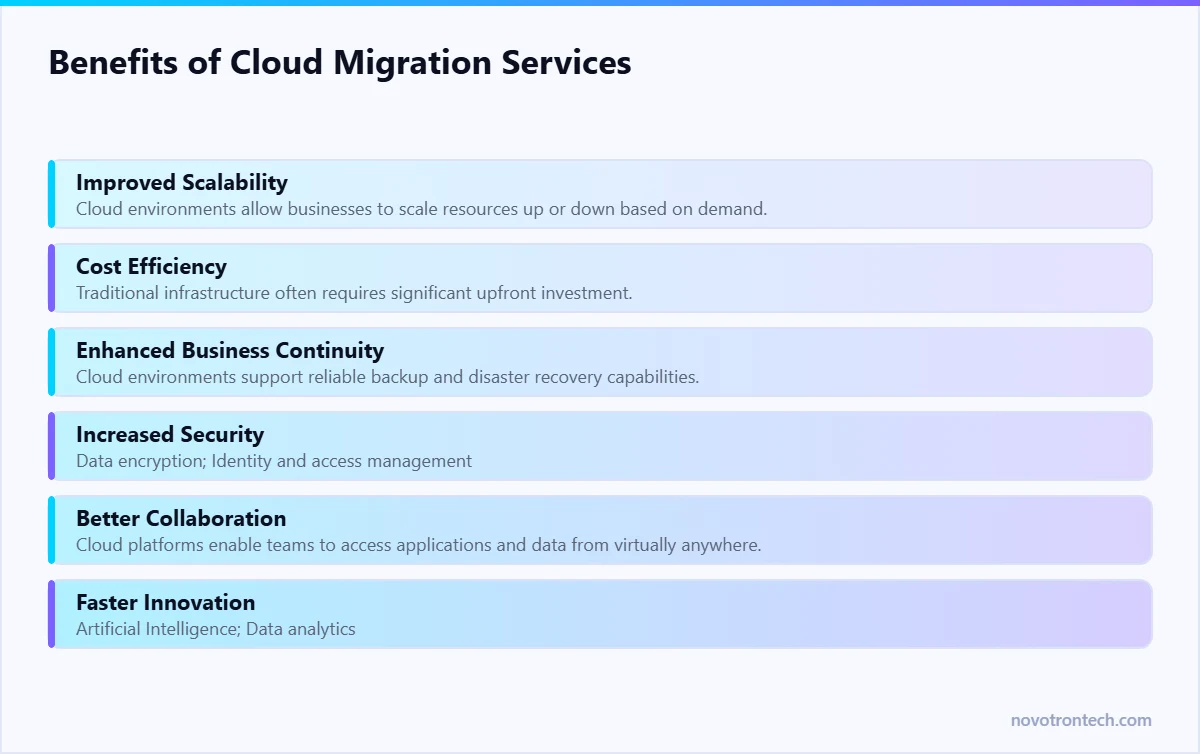
1. Improved Scalability
Cloud environments allow businesses to scale resources up or down based on demand.
This flexibility helps organizations manage growth without investing in additional physical infrastructure.
2. Cost Efficiency
Traditional infrastructure often requires significant upfront investment.
Cloud services operate on a pay-as-you-go model, helping businesses optimize costs and reduce capital expenditures.
3. Enhanced Business Continuity
Cloud environments support reliable backup and disaster recovery capabilities.
This helps businesses maintain operations during unexpected disruptions.
4. Increased Security
Leading cloud providers offer advanced security capabilities, including:
- Data encryption
- Identity and access management
- Threat detection
- Continuous monitoring
- Compliance support
When implemented correctly, cloud environments can improve overall security posture.
5. Better Collaboration
Cloud platforms enable teams to access applications and data from virtually anywhere.
This supports remote work and improves collaboration across locations.
6. Faster Innovation
Cloud services provide access to advanced technologies such as:
- Artificial Intelligence
- Data analytics
- Automation tools
- Machine learning platforms
Businesses can innovate faster without managing complex infrastructure.
Common Types of Cloud Migration
Rehosting
Also known as “lift and shift,” this approach moves applications to the cloud with minimal modifications.
Replatforming
Applications are optimized for cloud environments without major architectural changes.
Refactoring
Applications are redesigned to fully leverage cloud-native capabilities.
Repurchasing
Organizations replace legacy applications with cloud-based software solutions.
Retiring
Outdated systems that no longer provide value are decommissioned.
Retaining
Some workloads remain on-premises due to business or compliance requirements.
Key Challenges in Cloud Migration
Although cloud migration offers significant benefits, organizations often face challenges during implementation.
Data Security Concerns
Protecting sensitive information during migration is essential.
Downtime Risks
Poor planning can disrupt business operations.
Legacy System Compatibility
Older applications may require modifications before migration.
Cost Management
Without proper planning, cloud costs can increase unexpectedly.
Skills Gaps
Successful cloud migration requires specialized expertise.
Working with experienced cloud migration providers helps reduce these risks.
Cloud Migration Process
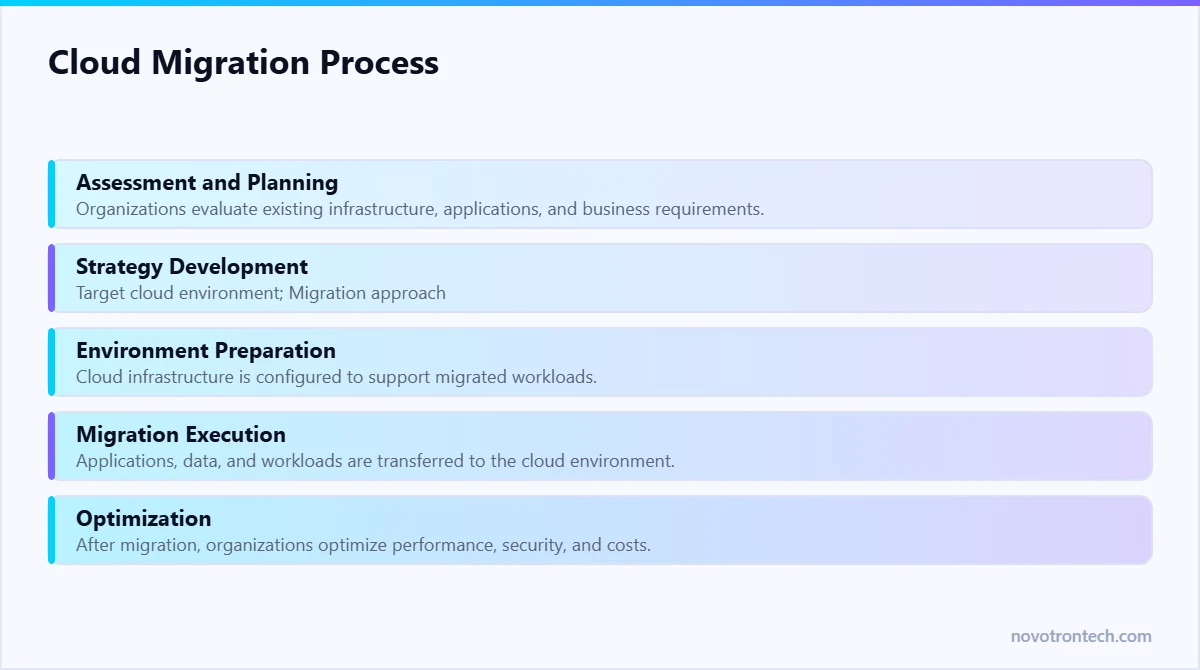
Step 1: Assessment and Planning
Organizations evaluate existing infrastructure, applications, and business requirements.
This stage helps identify:
- Migration priorities
- Dependencies
- Risks
- Business objectives
Step 2: Strategy Development
A cloud migration strategy defines:
- Target cloud environment
- Migration approach
- Security requirements
- Success metrics
Step 3: Environment Preparation
Cloud infrastructure is configured to support migrated workloads.
This includes:
- Access controls
- Security policies
- Network configuration
- Monitoring systems
Step 4: Migration Execution
Applications, data, and workloads are transferred to the cloud environment.
Testing is performed throughout the process to ensure functionality.
Step 5: Optimization
After migration, organizations optimize performance, security, and costs.
Continuous monitoring ensures long-term success.
How Cloud Migration Supports Digital Transformation
Cloud migration enables businesses to modernize operations and improve agility.
Organizations can:
- Automate processes
- Improve customer experiences
- Accelerate product development
- Support remote teams
- Increase operational efficiency
Cloud adoption provides the foundation for broader digital transformation initiatives.
Which Businesses Should Consider Cloud Migration?
Cloud migration benefits organizations of all sizes.
Industries commonly adopting cloud technologies include:
- Healthcare
- Financial Services
- Retail
- Manufacturing
- Education
- Technology Companies
- Logistics
- E-commerce
Any business seeking greater flexibility, scalability, and efficiency can benefit from cloud migration.
Choosing the Right Cloud Migration Partner
Selecting an experienced migration partner is critical for project success.
Businesses should evaluate providers based on:
- Cloud expertise
- Security capabilities
- Industry experience
- Migration methodologies
- Support services
- Cost optimization strategies
The right partner helps businesses reduce risk and maximize cloud investments.
Why Businesses Trust Novotron for Cloud Migration Services
Organizations need more than technical expertise during cloud transformation.
They need a partner that understands business objectives, security requirements, and long-term growth plans.
Novotron helps businesses:
- Assess cloud readiness
- Develop migration strategies
- Secure cloud environments
- Optimize cloud performance
- Manage cloud infrastructure
By combining cloud expertise with a business-focused approach, Novotron helps organizations transition to the cloud confidently.
The Six Migration Strategies, and When Each Applies
Every workload moves in one of six ways. Choosing deliberately is what keeps a migration inside budget.
- Rehost (lift and shift). Move the virtual machine as it is. Fastest and lowest risk; delivers the least optimisation. The right call when a data centre lease or hardware refresh is forcing the timeline.
- Replatform. Move with targeted changes — managed database instead of self-hosted, load balancer instead of a single server. Modest effort, meaningful savings.
- Repurchase. Replace the application with SaaS. Common for email, CRM and helpdesk. Effort shifts from infrastructure to data migration and change management.
- Refactor. Rebuild for cloud-native services. Highest cost and highest payoff; justify it per application, never across the estate.
- Retire. Switch it off. Most estates carry workloads nobody has used in a year, and every one retired is migration scope removed.
- Retain. Leave it where it is — latency-bound systems, unsupported appliances or anything with a licence that punishes virtualisation.
A Phased Migration Plan That Survives Contact With Reality
- Phase 1 — discovery and dependency mapping. Inventory every workload with its dependencies, integration points and data volumes. The failures in migration projects are almost always undiscovered dependencies.
- Phase 2 — landing zone. Build accounts, network topology, identity integration, tagging, logging and guardrails before a single workload moves. Retrofitting governance costs several times more.
- Phase 3 — pilot. Move something real but not critical. Measure performance, cost and restore times against the plan, then correct the plan.
- Phase 4 — waves. Group by dependency, not by department. Each wave gets a cutover runbook and a documented rollback.
- Phase 5 — optimise and operate. Right-size instances, apply reserved or savings-plan pricing, remove orphaned storage, and hand over to a monitoring and patching routine — see IT infrastructure monitoring.
What Actually Drives Migration Cost
- Workload count and dependency depth — more than raw data volume in most estates.
- Data transfer and cutover windows. Large datasets with short acceptable downtime require replication tooling and rehearsals.
- Application changes. Refactoring is the single biggest cost lever; rehosting keeps it near zero.
- Licensing. Windows Server, SQL Server and some ERP licences behave differently in cloud. Model this before committing.
- Parallel running. Budget for a period of paying for both environments. Projects that assume same-day decommission almost always overrun.
- Post-migration optimisation. The first month’s bill is rarely the steady-state bill; savings come from right-sizing afterwards.
The Five Failures That Cause Overruns
- Migrating before retiring — paying to move workloads nobody needed.
- Building the landing zone after the first wave, then reworking it.
- Lifting and shifting oversized VMs and never right-sizing them.
- Treating backup as migrated. Cloud snapshots are not a backup strategy; see backup as a service.
- Assuming the provider secures your data. Identity, configuration and data protection stay yours — start with Zero Trust access controls rather than a flat network in the cloud.
Conclusion
Cloud migration has become a strategic priority for businesses seeking greater flexibility, scalability, security, and operational efficiency.
However, successful migration requires careful planning, technical expertise, and ongoing optimization.
Cloud migration services help organizations reduce complexity, minimize risk, and unlock the full value of cloud technologies.
Businesses that embrace cloud transformation today will be better positioned to compete and innovate in the future.
FAQs
What are cloud migration services?
Cloud migration services help businesses move applications, data, and workloads from on-premises infrastructure to cloud environments.
Why do businesses migrate to the cloud?
Businesses migrate to improve scalability, reduce costs, strengthen security, and support digital transformation.
How long does cloud migration take?
Migration timelines vary depending on infrastructure complexity, application dependencies, and business requirements.
Is cloud migration secure?
Yes. When planned and implemented correctly, cloud migration can improve security through advanced controls and continuous monitoring.
What is the biggest challenge in cloud migration?
Common challenges include security concerns, legacy system compatibility, downtime risks, and cost management.
Related: the complete cloud migration guide · our cloud solutions · managed IT services in Noida.